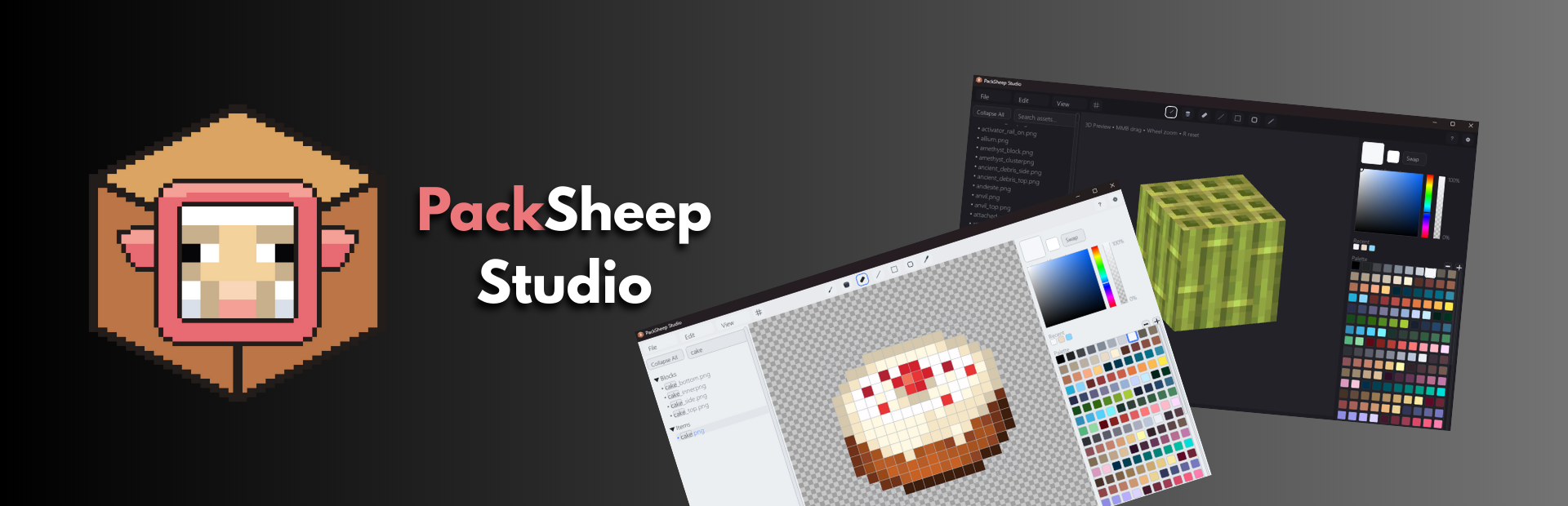
PackSheep
A downloadable Editor for Windows
PackSheep – The Modern Minecraft Resource Pack Editor
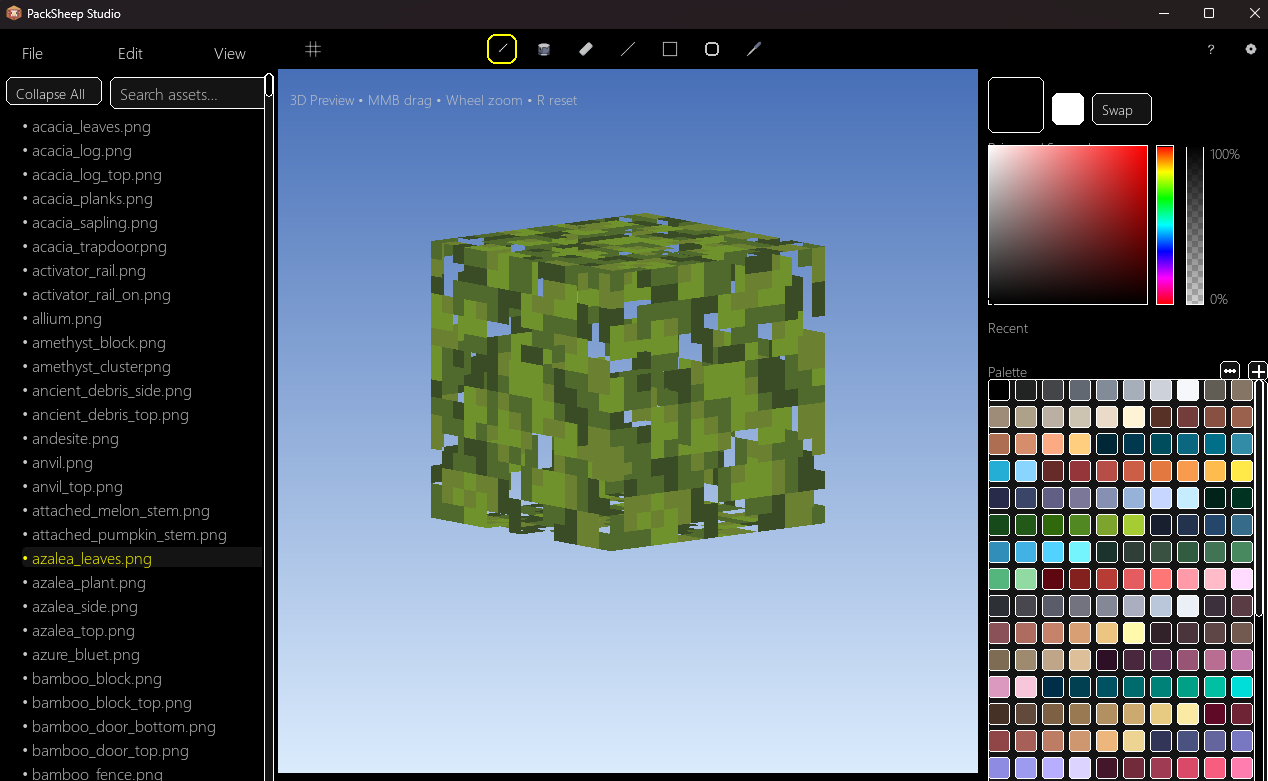
A combination of a powerful 2D pixel editor, real-time 3D preview, and smart import/export tools — all wrapped in a clean, modern UI.
Whether you’re touching up a single texture or building an entire pack from scratch, PackSheep is built to be fast, accurate, and actually fun to use.
Features
-
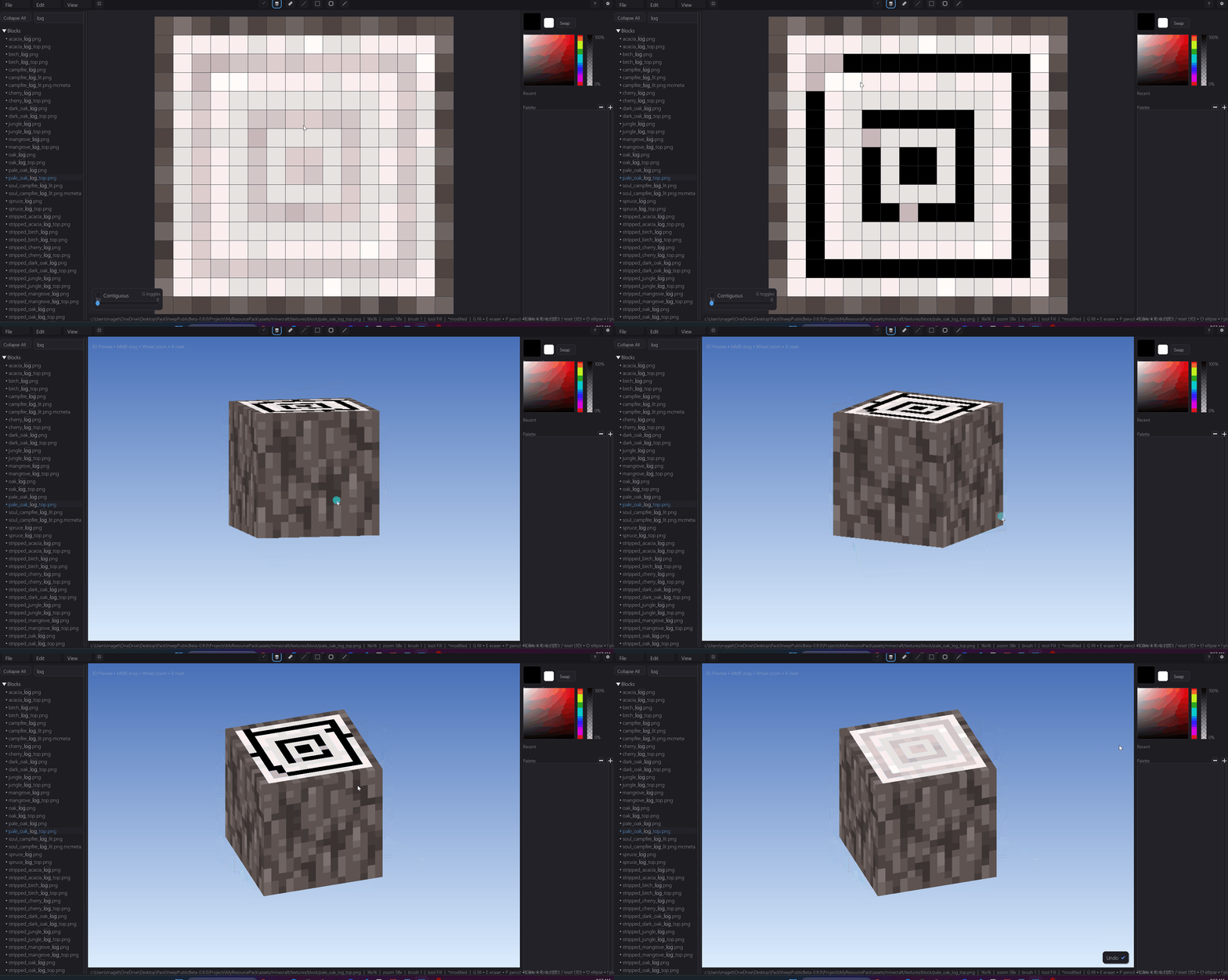
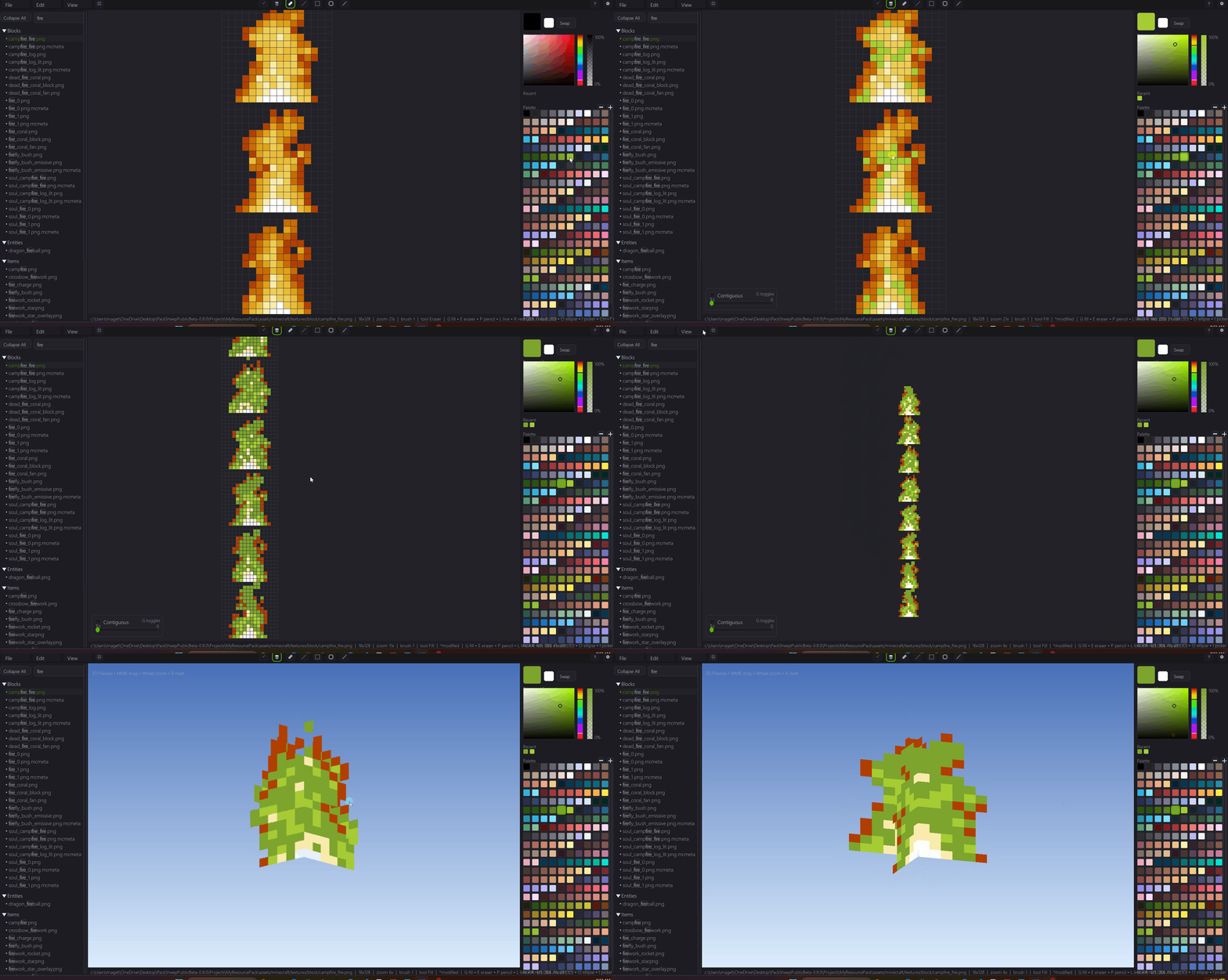
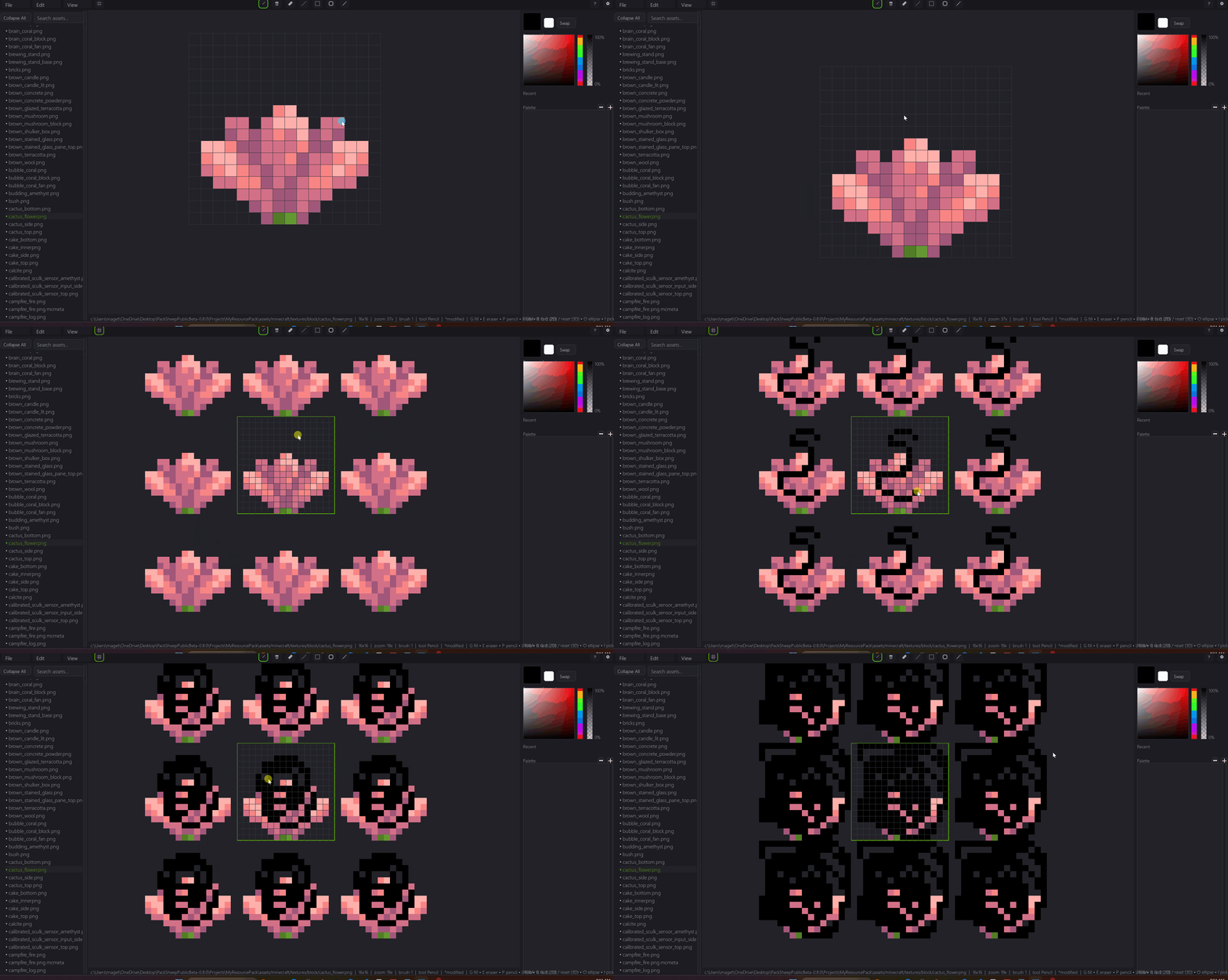
Full Painting Toolkit – Pencil, eraser, fill, line, rectangle, ellipse, color picker, and full undo/redo.
-
Live 3D Preview – See your textures instantly on cubes, panes, doors, and more — with accurate per-face UV mapping with the press of a button.
-
Import & Export Packs – Pull in vanilla textures or your own packs, then export ready-to-use ZIPs in seconds.
-
Special Block Support – Plans to have full block support for Live 3D Preview.
-
Customizable UI – Features a Theme Editor to make the workspace feel right for you.
-
Performance Options – Low-quality orbit mode for buttery-smooth 3D rotation.
Why PackSheep?
It is built for modern Minecraft creators who want speed, accuracy, and a workflow that just makes sense.
-
See your work instantly – Real-time 3D preview with perfect UV mapping.
-
Edit faster – Streamlined tools and shortcuts designed for pixel art.
-
Import anything – Pull in vanilla packs or your own projects with one click.
-
Export in seconds – Ready-to-use ZIPs, no extra setup required.
-
Stay organized – Clear sidebar navigation, toast notifications, and customizable themes.
PackSheep makes creating fun instead of frustrating. (Its still a WIP though!)
Current Status
Version 0.8.3 – Public Beta
Current build: Stable – on break
PackSheep Studio is in active development and already packed with core editing features — but still adding polish, performance boosts, and new tools.
This release focuses on bug fixes, smoother editing, and minor UI improvements. All major tools are functional, and we’re gearing up for more advanced features in future updates.
Feedback Welcome
Found a bug? Got a feature request? Drop it in the community page — your feedback helps shape the next update.
🐑 Download now and bring your Minecraft textures to life — faster, cleaner, and better than ever.
Download
Install instructions
Windows Installation
-
Download the ZIP file from this page.
-
Extract the ZIP anywhere on your PC (e.g., Desktop or Documents).
- Run "PackSheep.exe".
- If Windows shows a SmartScreen warning, click "More info" → "Run anyway".
Notes:
-
No installation required — it runs as a portable app.
Textures are not included — you will need to import your own Minecraft resource pack or textures after launching. You can do so by "File" → "Import"
Read the readme.txt in the zip file for info.
-
Make sure your graphics drivers are up to date for best performance.
-
This is a beta version — some features may change or be improved and expect bugs.
The .exe is known to have false flags for viruses, here is the VirusTotal scan for it: https://www.virustotal.com/gui/file/d9f92528e7437421eb0bb72b59f208a5229988ebc19b...
Development log
- PackSheep Studio 0.8.3 - Fixes & Theme ImprovementsAug 15, 2025
- PackSheep Studio 0.8.2 – Rework and FixesAug 15, 2025
- PackSheep Studio 0.8.1 – Bug FixesAug 15, 2025
Comments
Log in with itch.io to leave a comment.
virus